Break reminders for Mac
Take a break.
Watch Mochi grow.
Mochi lives in your Mac's menu bar. On a rhythm you pick, it asks you to look up from the screen.
Free for 7 days. No account needed.
Apple silicon (M1 or later) · macOS 15+
Two breaks in today.
Next: tiny paws.
how it works
See Mochi in action.
The reminders, the breaks and Mochi growing. Sound on for the boops.

01 · break time
Time to look away.
-
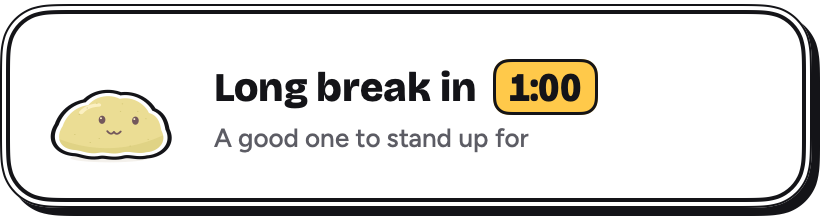
A minute before a long break, Mochi peeks in.
-
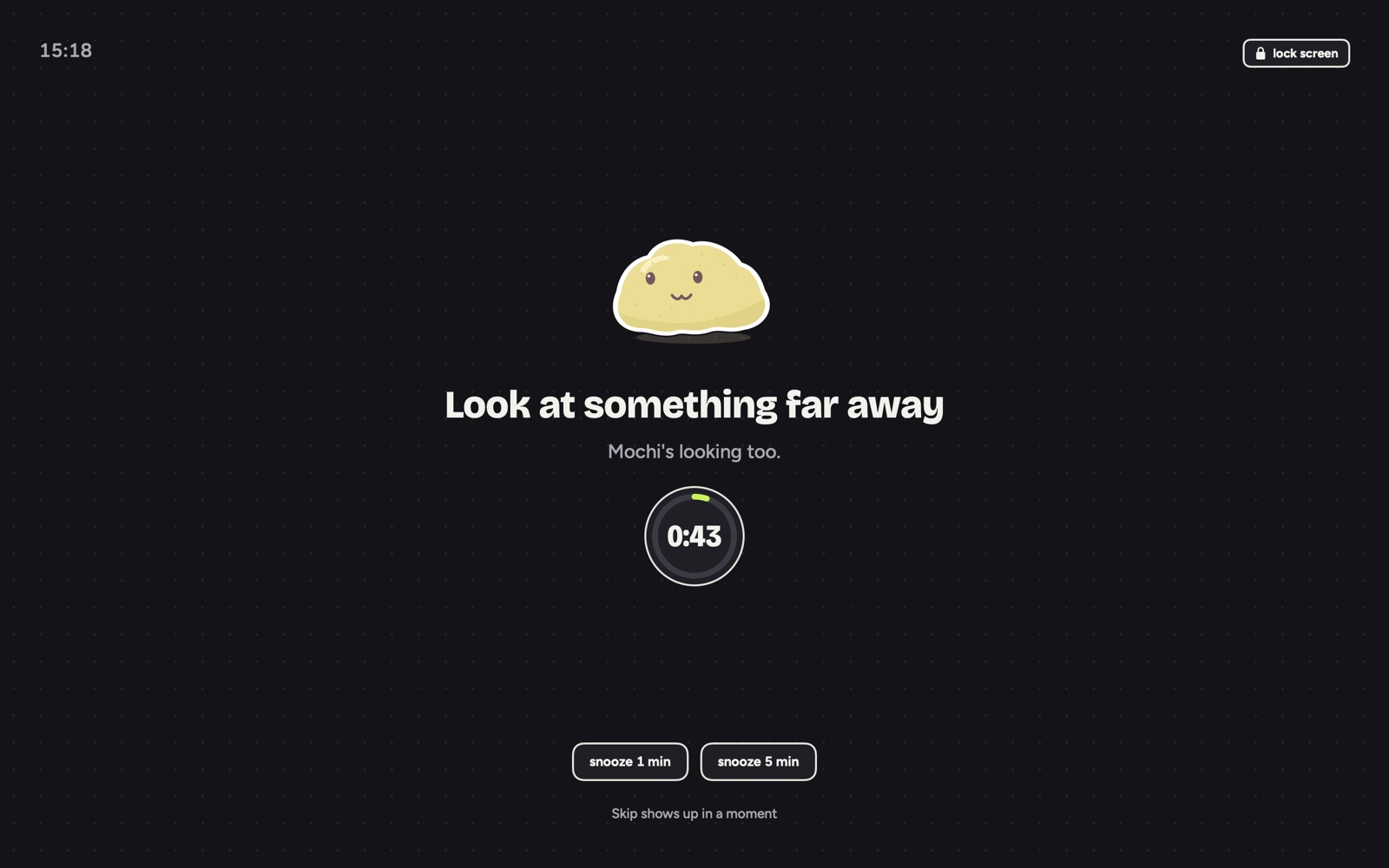
Then you both look far away.

Busy? Mochi waits through
- calls
- screen sharing
- videos
- games
- the end of your sentence
02 · your daily mochi
A new Mochi every day.
A new day: three soft clumps, no faces yet.
Keep the Mochis you meet.
Tomorrow brings a fresh clump. Today's Mochi joins your shelf, just as far as it grew.
See all 18 flavors (no, you don't get to pick yours)
18 flavors
03 · nudges
A nudge to blink, sit up or breathe.
One tiny nudge between breaks, taking turns: three slow blinks, sit up tall, or three slow breaths.
The screen dims a touch so you notice, and your clicks still go through. Point at a nudge and an X shows up. Don't want them? Switch them off.
04 · poke it
Give Mochi a poke.
One poke gets a boop. Five quick pokes make it dizzy.
Questions, answered.
Is it free?
It's free to try for 7 days, counted from when you press start breaks. After that, Mochi naps: no breaks or nudges until you buy it once in the app. Your Mochi crew and stats stay either way. There's no subscription, and if you buy it and change your mind, you have 14 days to get your money back.
Do I have to finish every break?
No. Snooze when you need a minute, pause from the menu bar, or skip. You choose when Skip shows up: anytime, after 5 sec, or never. Finished breaks help Mochi grow, and a few quiet days won't end your streak.
Will it interrupt my meetings?
Usually not. Auto-pause holds the break while you're on a call, sharing your screen, watching a video, playing a game full screen, or in a focus app you picked. It waits for you to finish typing too, up to a minute. You can also pause it for a while.
Is Mochi listening?
No. It only reads on/off signals, like whether the mic or a screen share is on and which app is using it, never what's in them. Everything stays on your Mac. It only goes online to check your license: your key and your Mac's name, never during the trial.
How often does it ask?
You pick on day one: a quick break for your eyes every 20, 30 or 45 minutes, and a longer one to stand up every 2nd, 3rd or 4th break. Change it anytime in Settings. Not sure? Every 20 minutes follows the 20-20-20 habit eye doctors suggest: look at something about 20 feet away for at least 20 seconds.
What happens to my Mochi tomorrow?
It goes on your shelf, exactly as far as it grew, and a new clump shows up. Each day has six reveals: eyes, an expression, tiny paws and a personality, cheeks, an accessory, and a keepsake.
Which Macs does it run on?
Macs with Apple silicon (M1 or later), on macOS 15 or later. To check yours, open the Apple menu › About This Mac and look for Chip. There’s no iPhone or iPad app.
Why does macOS warn me when I open it?
Mochimoment isn't notarized yet. Open System Settings → Privacy & Security and click Open Anyway. You do it once for each version you download. The full steps.
Why is Mochi staring into the distance?
So your eyes do too.